
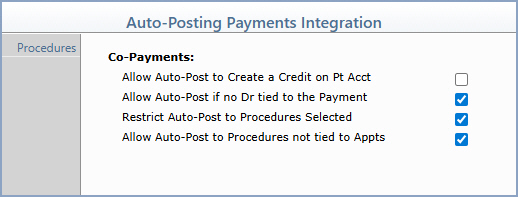
| Prompt | Response | Req | Len |
|---|---|---|---|
| Allow Auto-Post to Create a Credit on Pt Acct | If you want co-payments to auto-post even when doing so would create a credit balance on the patient's account, select this check box. | 1 | |
| Allow Auto-Post if no Dr tied to the Payment | If you want co-payments that do not have a doctor tied to them to be auto-posted, select this check box. This check box is selected by default. | 1 | |
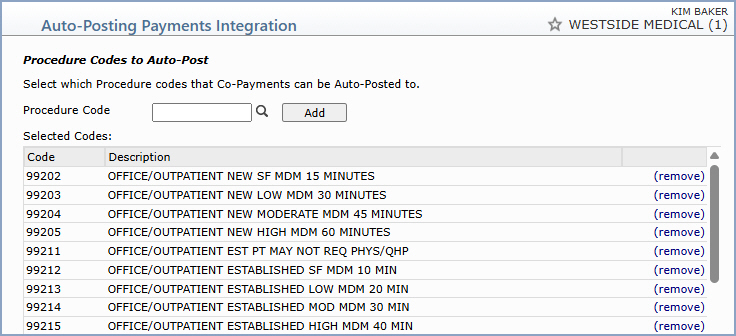
| Restrict Auto-Post to Procedures Selected | If you want to restrict auto-posting of co-payments to only the procedure codes listed in the Procedures section, select this check box. This check box is selected by default. | 1 | |
| Allow Auto-Post to Procedures not tied to Appts | If you want co-payments that are tied to appointments to be auto-posted to procedures even when the procedures are not tied to an appointment, select this check box. By default, this check box is not selected. | 1 |
Copyright and Trademark Notice. Copyright © 2019 CompuGroup Medical, Inc. CGM®, CompuGroup Medical® and the CGM logo are registered trademarks and CGM webPRACTICE™ and CGM webTOOLS™ are trademarks of CompuGroup Medical AG in the United States and/or other countries. Any rights not expressly granted herein are reserved.
