Verify Eligibility by DMS List

With the Verify Eligibility by DMS List function, you can verify insurance eligibility for patients using a DMS list of patient accounts. This function is available to CGM webVERIFY clients only.

Prior to using this function, you will need to create a DMS List of patient accounts. For instructions on creating DMS Lists, see the List Processor function.

Upon accessing this function, type or select the For Date of Service you want to verify eligibility for, select the List of patients and click Save.


Data Field Information
Prompt Response Req Len
For Date of Service Type the Date of Service you want to verify eligibility for or click the calendar icon to select a date. 10
List Select the DMS List of patient accounts you want to verify eligibility for. 20

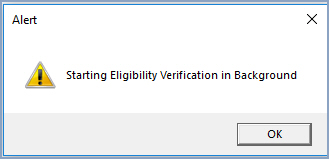
When the message Starting Eligibility Verification in Background displays, click OK. The quantity of time needed for the verification process to complete will vary, depending on the quantity of patients contained in the DMS List. You can perform other functions while the eligibility verification is performed in the background.


You can use the Eligibility Status by DMS List function to determine when the verification process is complete.

NOTE: The results of the Verify Eligibility by DMS List functions are independent of the Verify Eligibility functions on the Schedule menu.